Virtual Dyno vs HPTuners Delivered Torque Curve

Here is an Virtual Dyno analysis of a 2nd gear run up for my STS-V.  The Virtual Dyno considers the change in speed and estimates the hp & torque, much as a regular dyno.  The difference here is that the V is in 2nd gear and pushing against the wind.
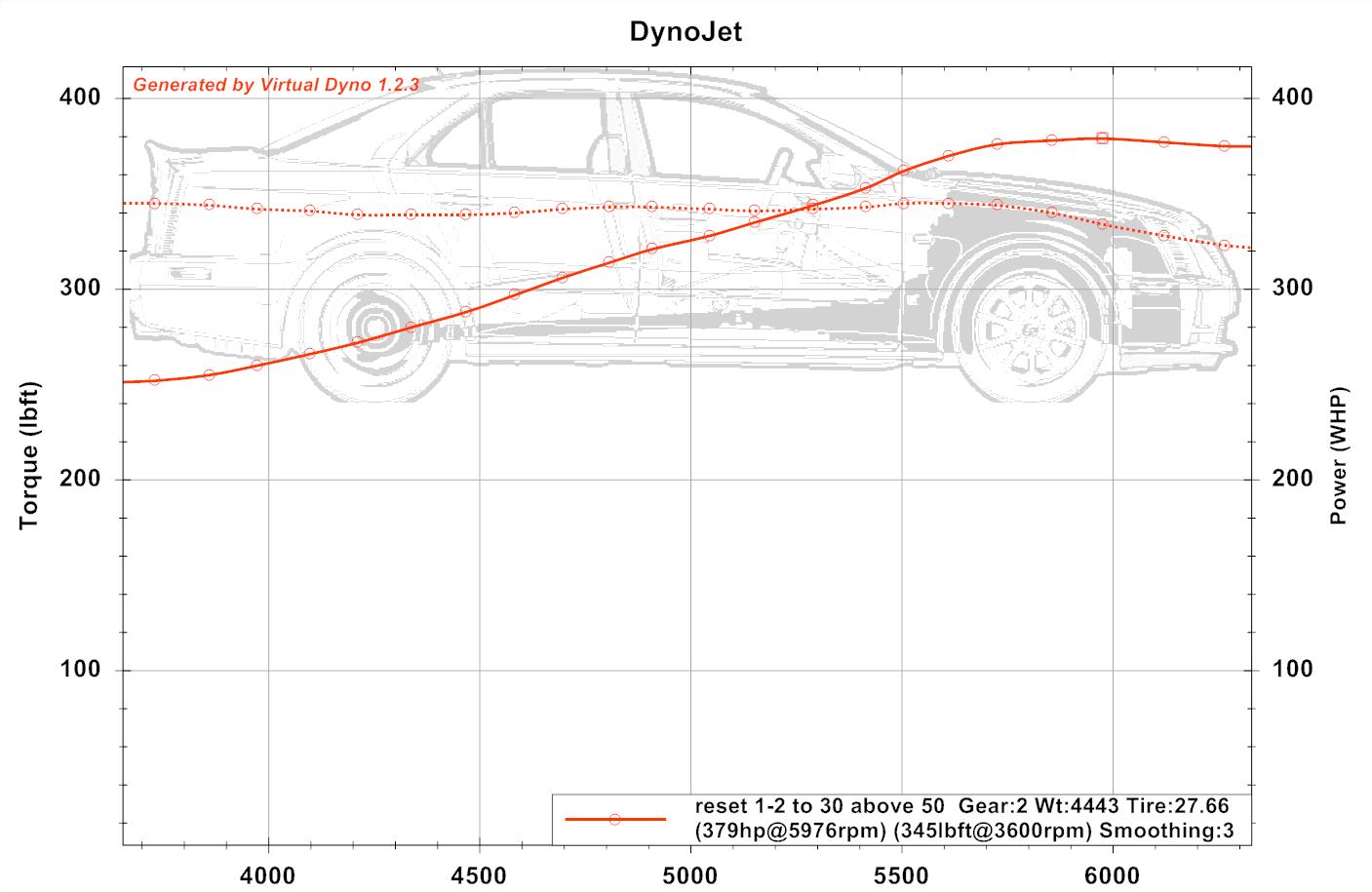
2013-05-11 reset hot test

Virtual Dyno makes beautiful dyno graphs; one can get the full size by clicking on the image above, then hit return to return.

Here is the same info for the same run, graphed using the STS-V’s reported delivered torque and calculated hp for that torque, along with the IAT2 temps:
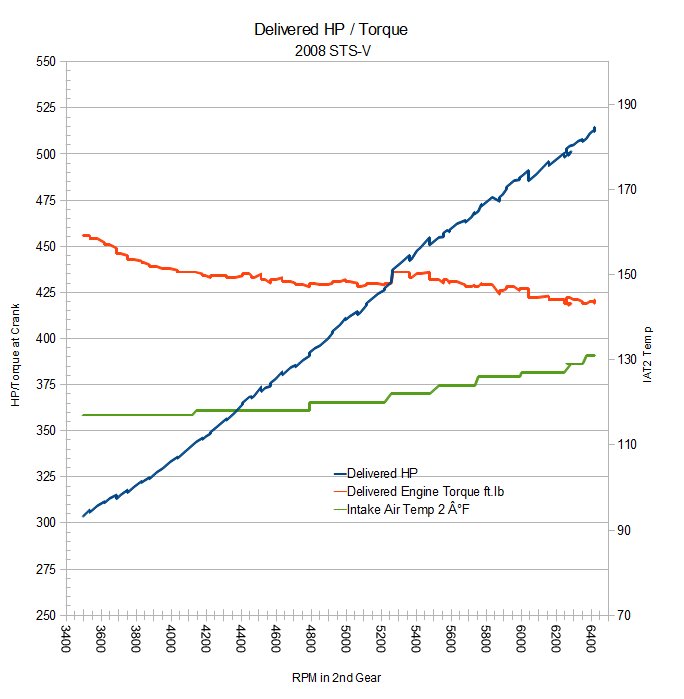
resetruncomparedeliveredhptorque

The Delivered Torque is an estimated value by the V computer based on engine parameters, and is equivalent to an engine dyno as opposed to a chassis dyno as in  Virtual Dyno.

Both show an item of interest and why I was graphing — the peak torque for the V is not up in the 5K’s but is still around 3500 RPM.  Certainly the torque curve is very flat for the supercharged V8.

Somewhat surprising how much the two disagree on the slope of the HP above 6000 RPM.  The transmission is already thinking about shifting to 3rd at that point, which could effect the incremental results measured by the Virtual Dyno more — the engine output doesn’t care if the engine is ‘clutched’ or not.

Do you have any suggestions on how to get more info out of this data?  I am using HPTuners to capture sensor data from a test drive, then saving as a .csv file, and using Virtual Dyno to analyze the .csv, or Calc to create the lower graphic from the .csv data.
 

Displaying IAT2: DashCommand, Innovate OT-2, Cadillac? #Motorama

The search for an easy way of displaying IAT2 — which is incoming air temperature after the supercharger & intercooler and as the air enters the manifold — which is the holy grail of telling how things are going for supercharged cars.

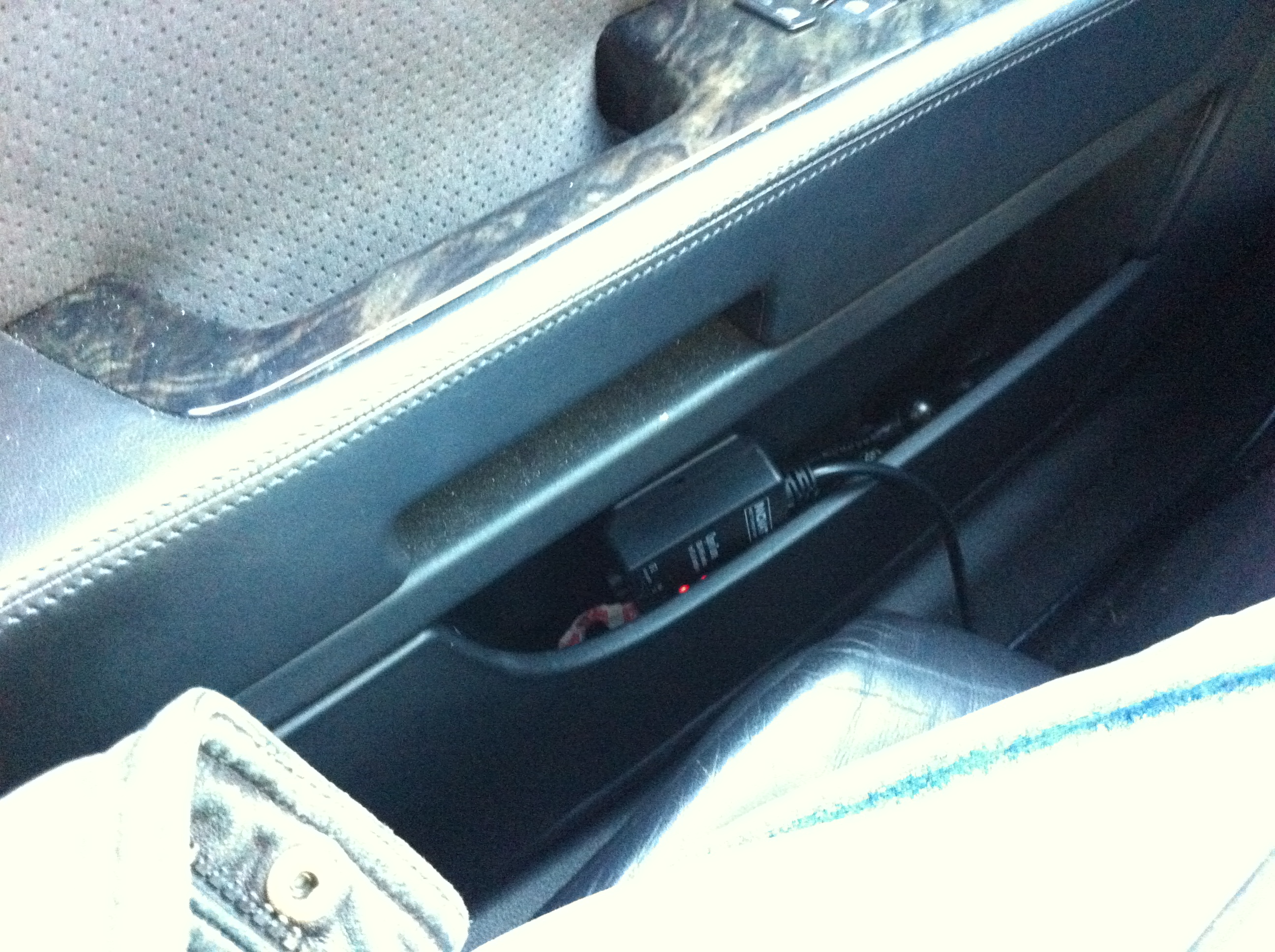
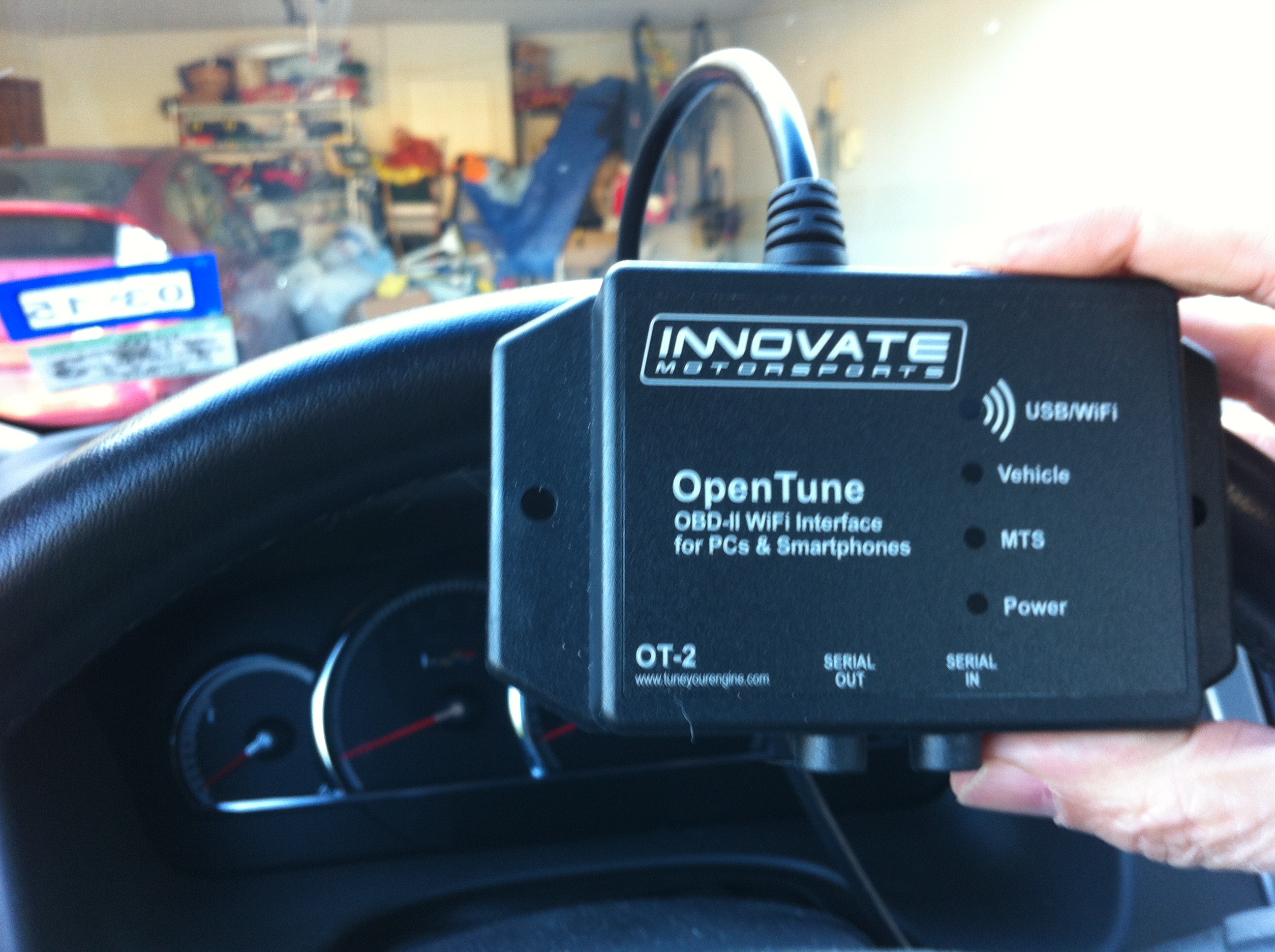
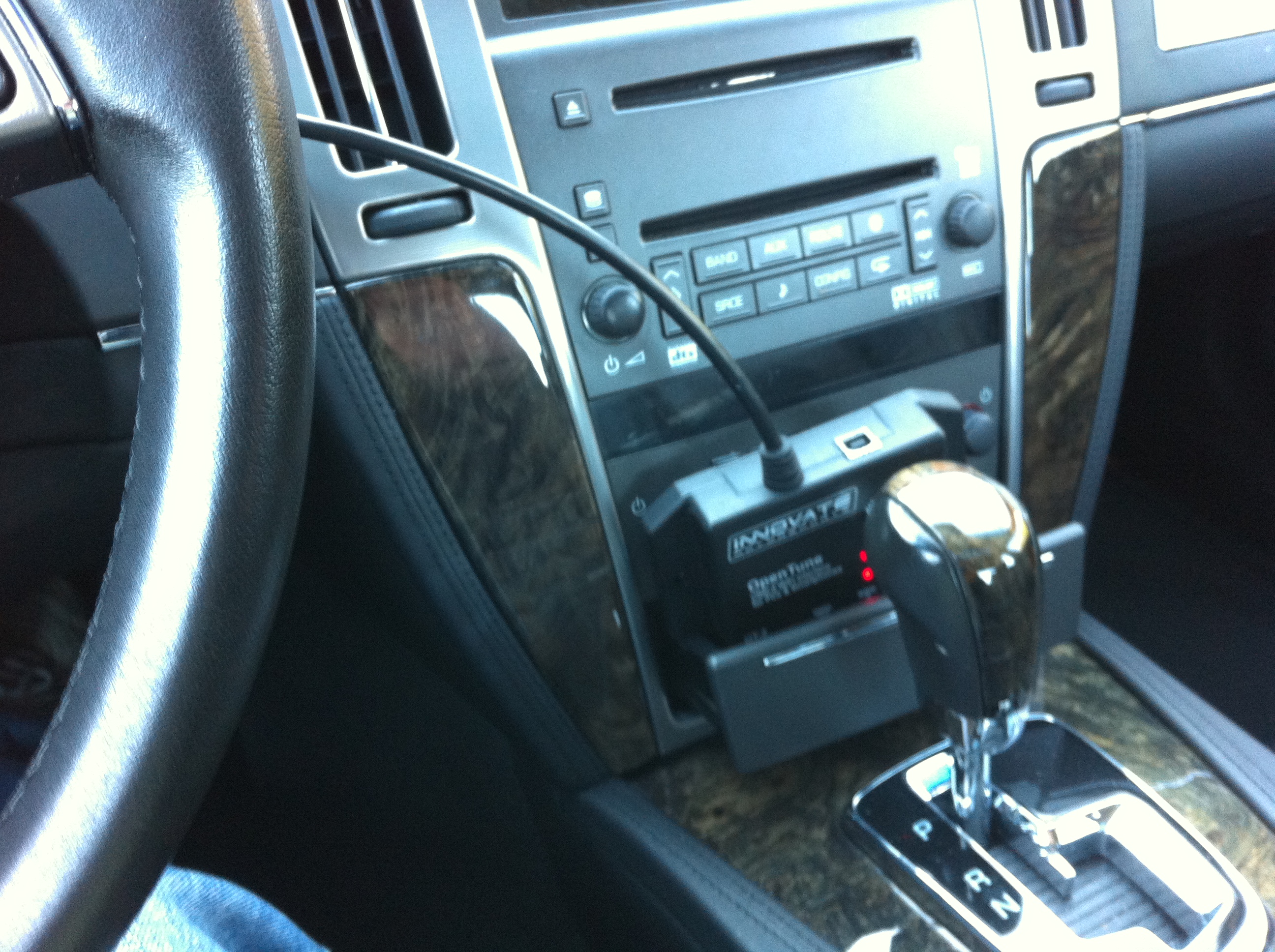
Some time ago I picked up an Innovate OT-2 OBD-II module.  This device connects to the OBD-II diagnostic port and creates a wifi hotpoint to share the OBD II info from the car to a connected wifi device.

IMG_0529

Close-up of the OT-2 Module

IMG_0530

OT-2 tucked into the auxiliary power compartment (nee ash tray slot)

IMG_0531

OT-2 tucked into the door compartment

 Okay, Hardware, but what software for displaying IAT2?

I previously had used the software with my IPAD and Logworks, a free software that comes from Innovate Motorsports.  This all worked well enough to provide a virtual dash with various gauges.  I was not able however to tease it to display my IAT2.

I can display IAT2 with the HPTuners software, as we have seen.  However, that requires a windows laptop and HPtuners plug.  The desire is to display it on my IPAD, which would be easier to have along for drives or roadtrips.

DashCommand for displaying IAT2?

DashCommand by Palmer Performance is configurable software to display a virtual dash on a variety of platforms.  When I was experimenting with my OT-2 previously it was not supported by DashCommand.  Now I find that it is.

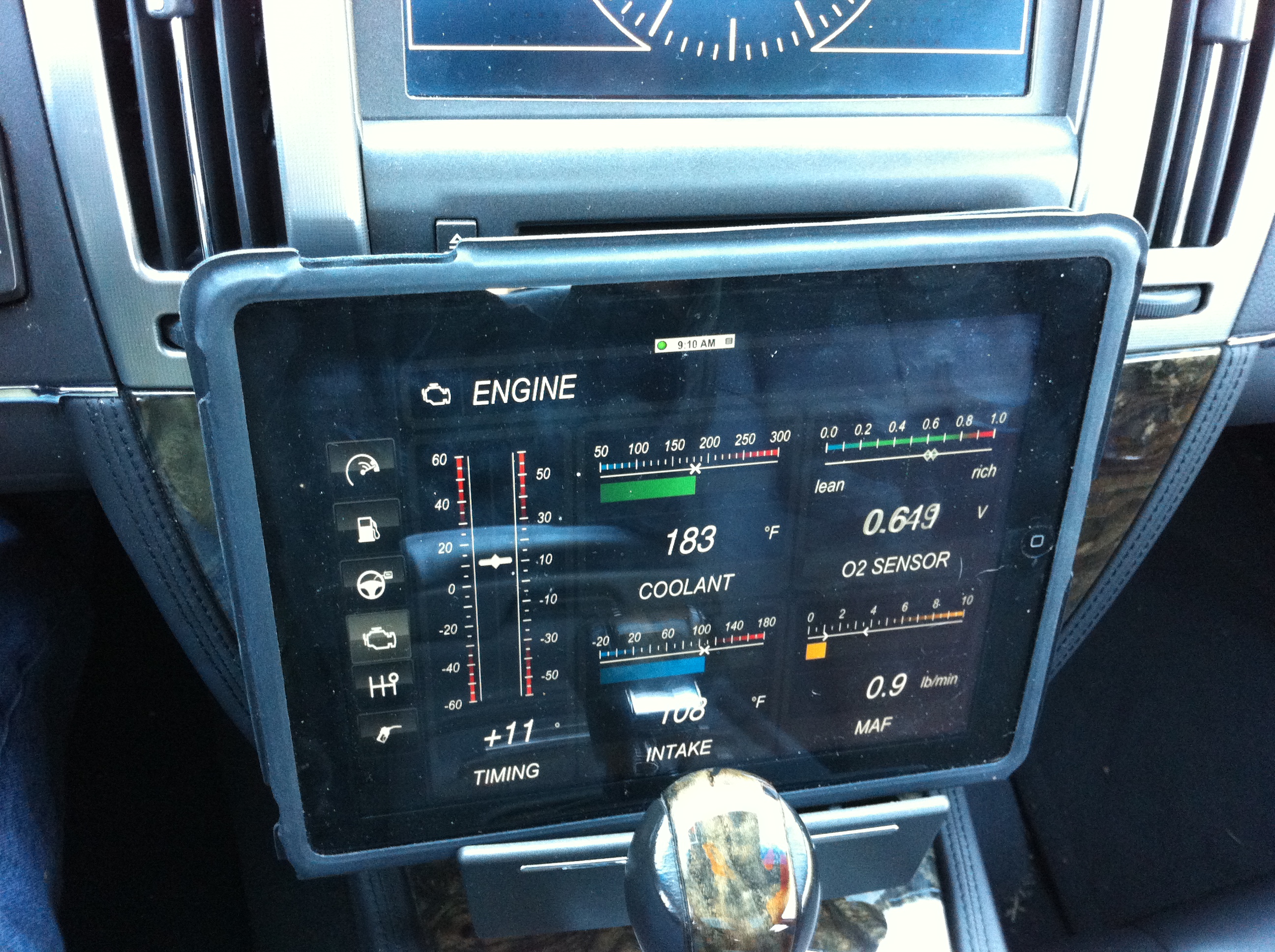
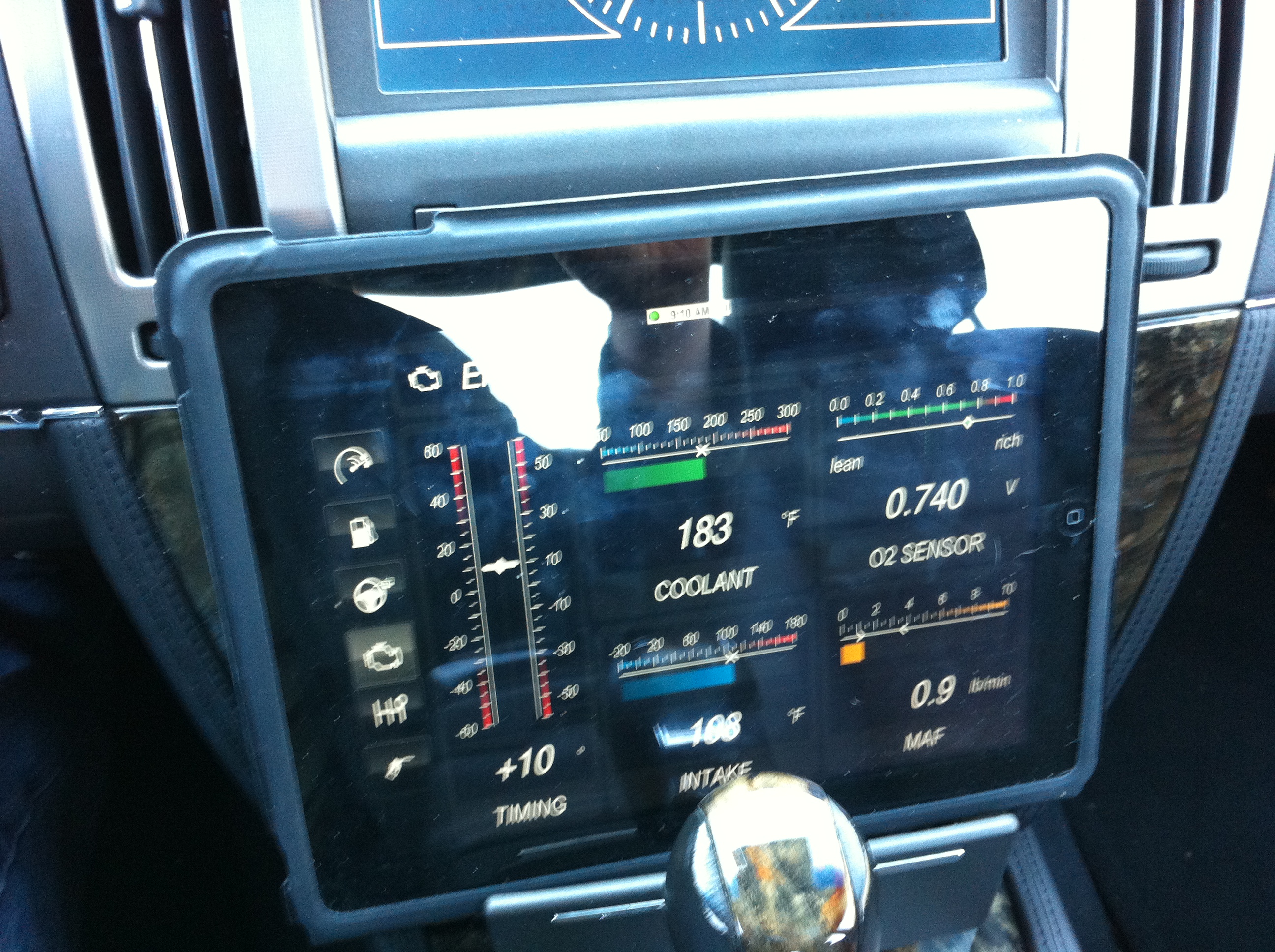
Here are some default screen from DashCommand on my IPAD1 connected to the STS-V via OT-2:

IMG_0534 IMG_0533 IMG_0532

So that all works per se, but I don’t see a way on the IPAD to display IAT2, nor do I see a way to specify a custom PID which would then allow it to be displayed.  Disappointing for a $49 IOS app.

Torque on the android platform apparently does offer custom PID display, but I have the IOS IPAD or IPhone.

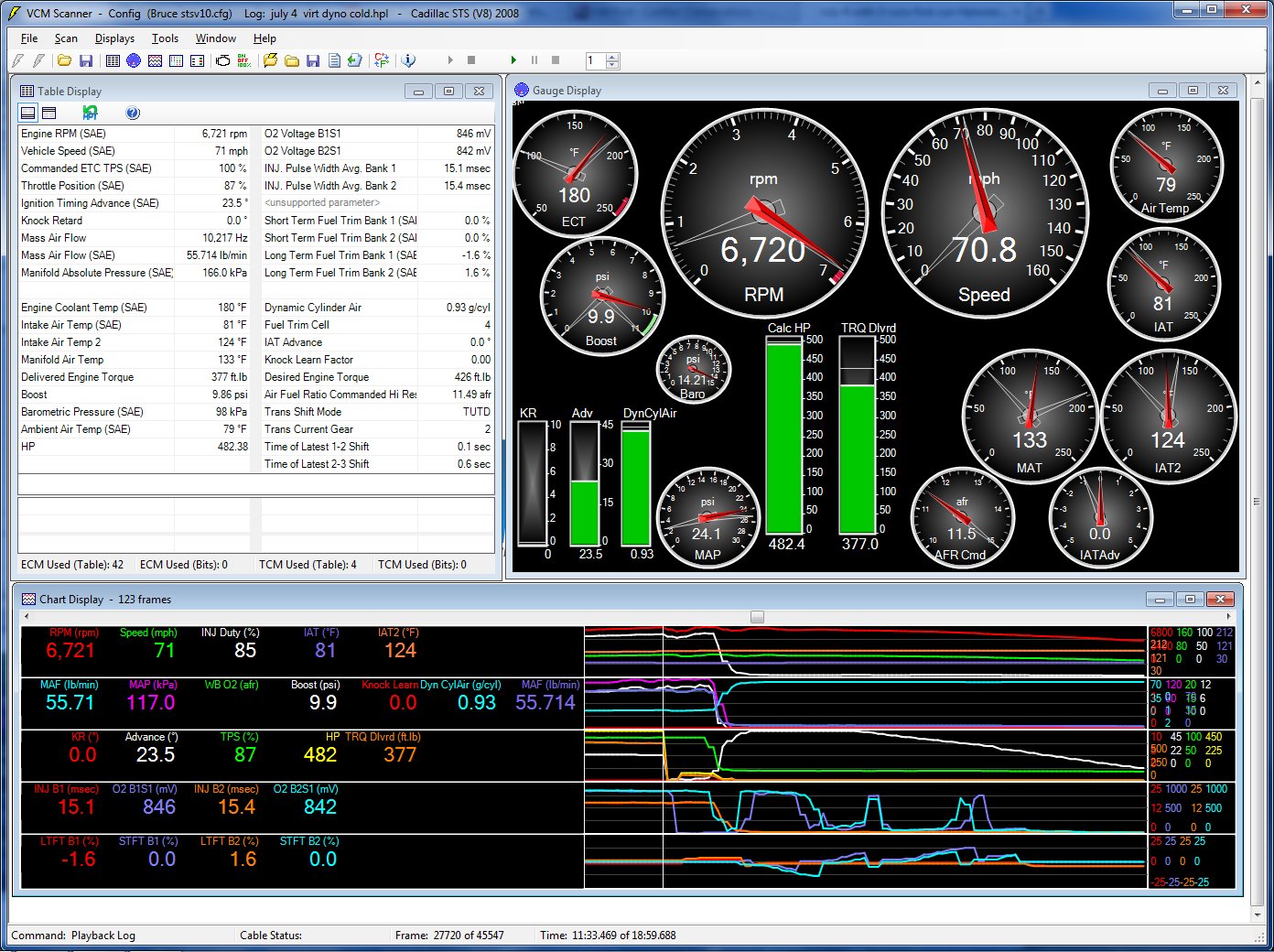
DashCommand does allow customizable and downloadable dash designs from dashxl.net.  These may be created or edited using windows software which is free from that site.  There is also a repository of other user dash designs which may be downloaded.  I have not found a pre-designed dash that has what I am looking for — ambient, IAT1, and IAT2 similar to my HP Tuners display.

July 4 with 3 runs second run Hptuners

July 4 with 3 runs second run Hptuners

But I am hopeful that I can find one, or design one using the toolset that will look something like the key gauges in the upper right of the HPTuners display above.

If you have already solved how to display IAT2 on an IOS device please share!


UPDATE:

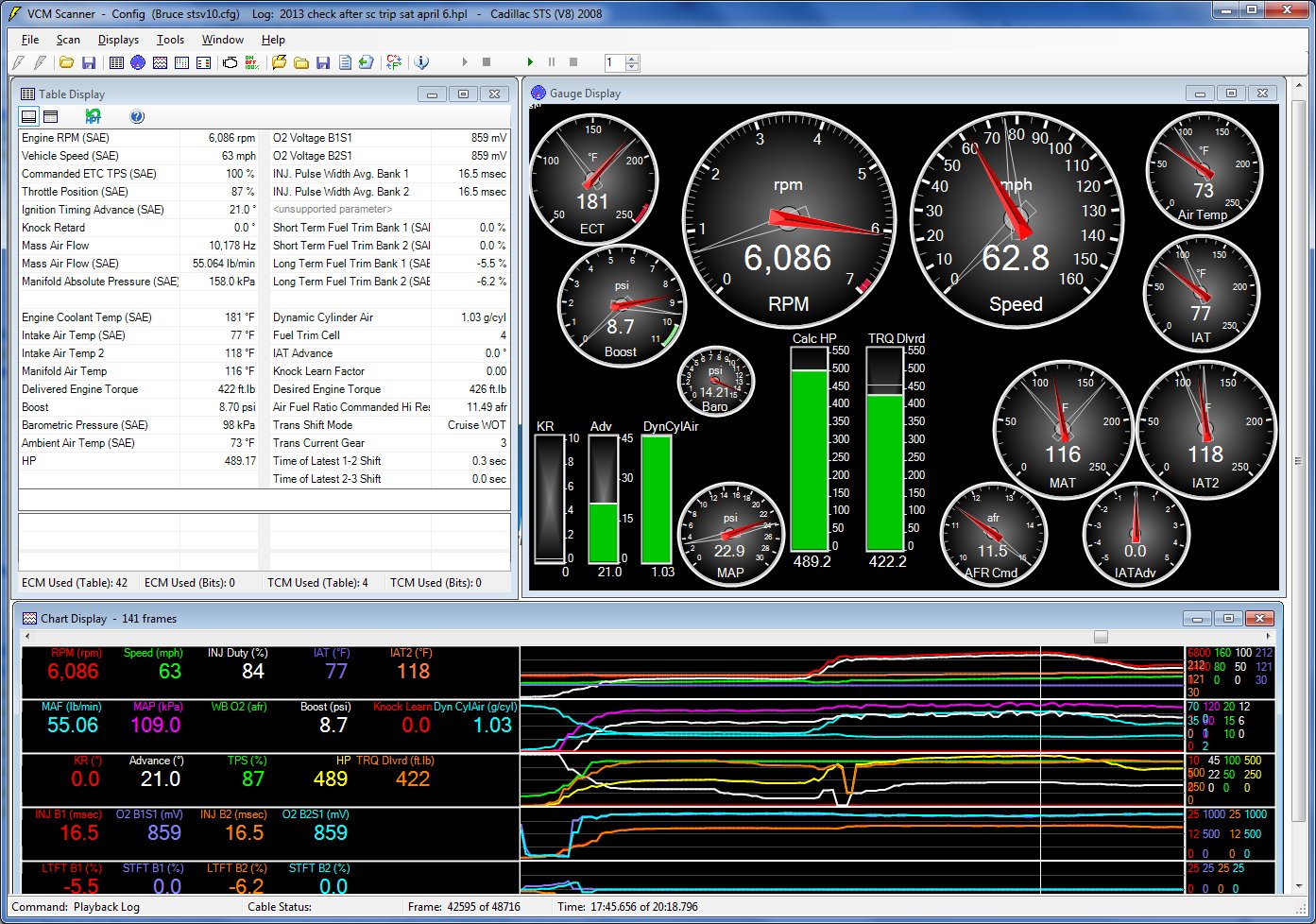
Here is a cruise and IAT2 scan today for IAT2s, at top of 2nd gear about to shift into 3rd.

HP Tuners gauge output

HP Tuners gauge output

The IAT2s ranged from 111F to around 120F at different parts of the drive, which seems typical for my V and setup.  At this temp it is staying out of negative IAT advance, so good.

Cadillac with Air — Black and Decker Air Station #motorama

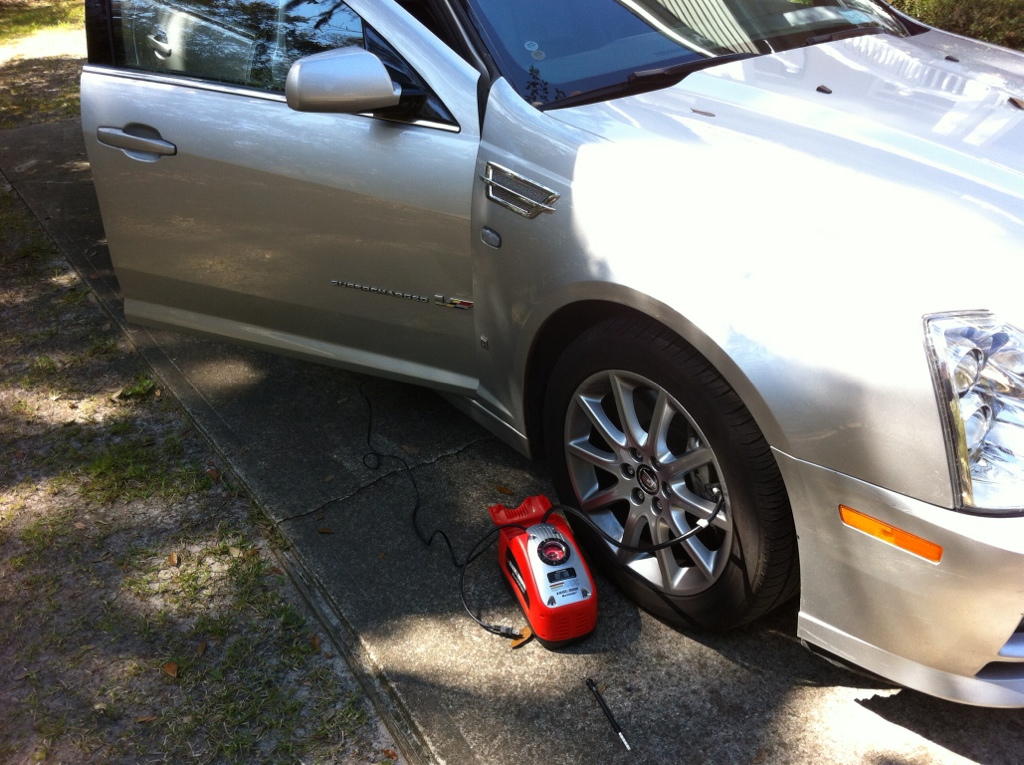
20130329-161825.jpg

Pre-roadtrip air pressure check and correction is important for fuel economy, safety, and higher speeds. My weapon of choice is the Black & Decker Air Station.

The Air Station has two features I especially like:

  1. dual power — runs off car accessory plug or a/c outlet
  2. air pressure stop / limit auto-switch

The dial on the air pressure gauge allows one to select max desired pressure. Then the pump will continue until max pressure is reached, and shut off. For cars, this makes setting all 4 tires to the same pressure, or both tires on one end to same pressure, simple.

The unit is light, but has a good capacity and works fast enough. I keep it in the spare tire compartment under the trunk, since the STS-V doesn’t use a spare.

The unit has an air pressure gauge but I use a hand gauge to check. It has met my needs and I recommend it to others.

Model I have is the ASI300: http://www.amazon.com/Black-Decker-ASI300-Station-Inflator/dp/B000IE0YIQ