The search for an easy way of displaying IAT2 — which is incoming air temperature after the supercharger & intercooler and as the air enters the manifold — which is the holy grail of telling how things are going for supercharged cars.
Some time ago I picked up an Innovate OT-2 OBD-II module. This device connects to the OBD-II diagnostic port and creates a wifi hotpoint to share the OBD II info from the car to a connected wifi device.
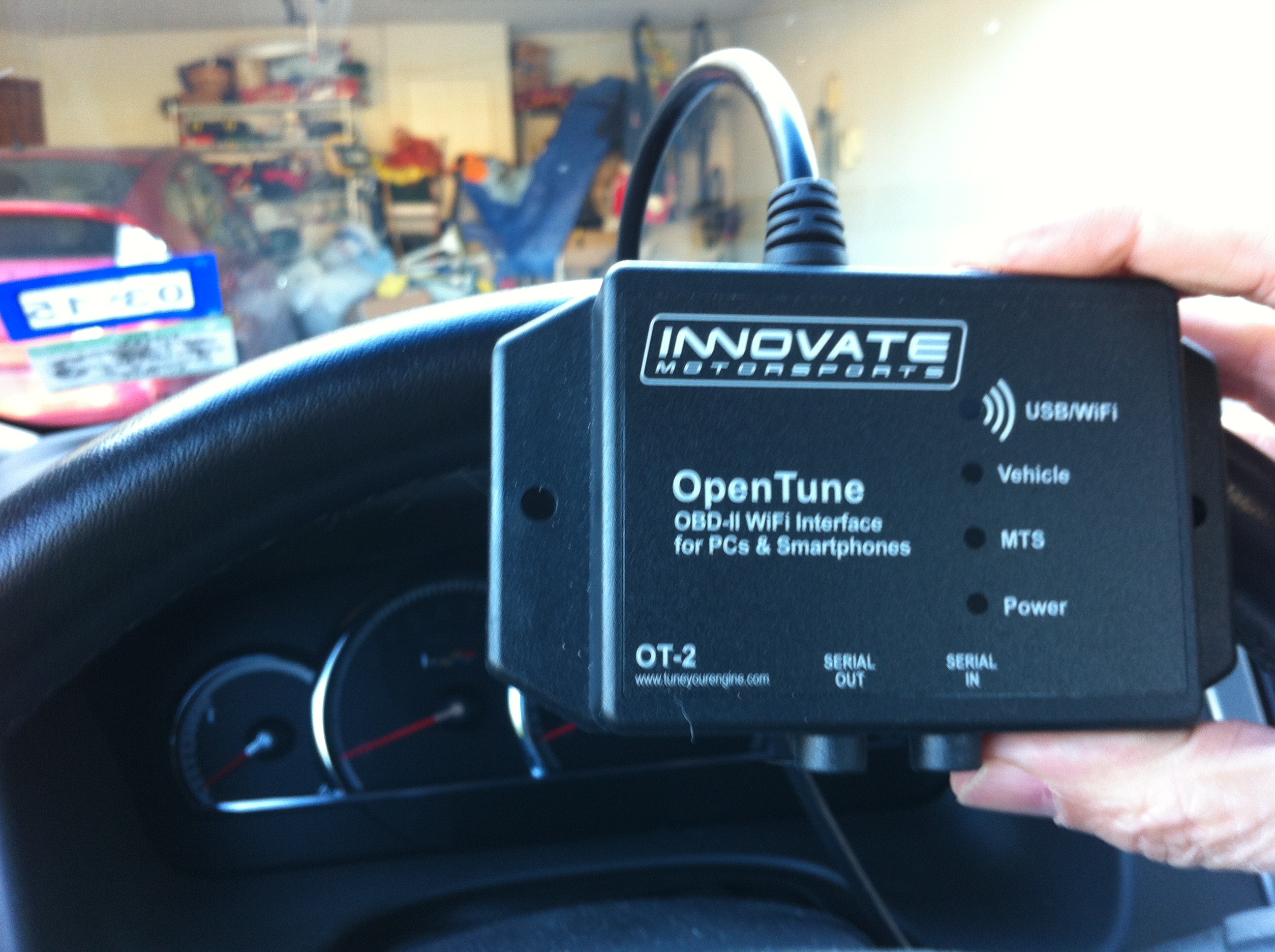
Close-up of the OT-2 Module
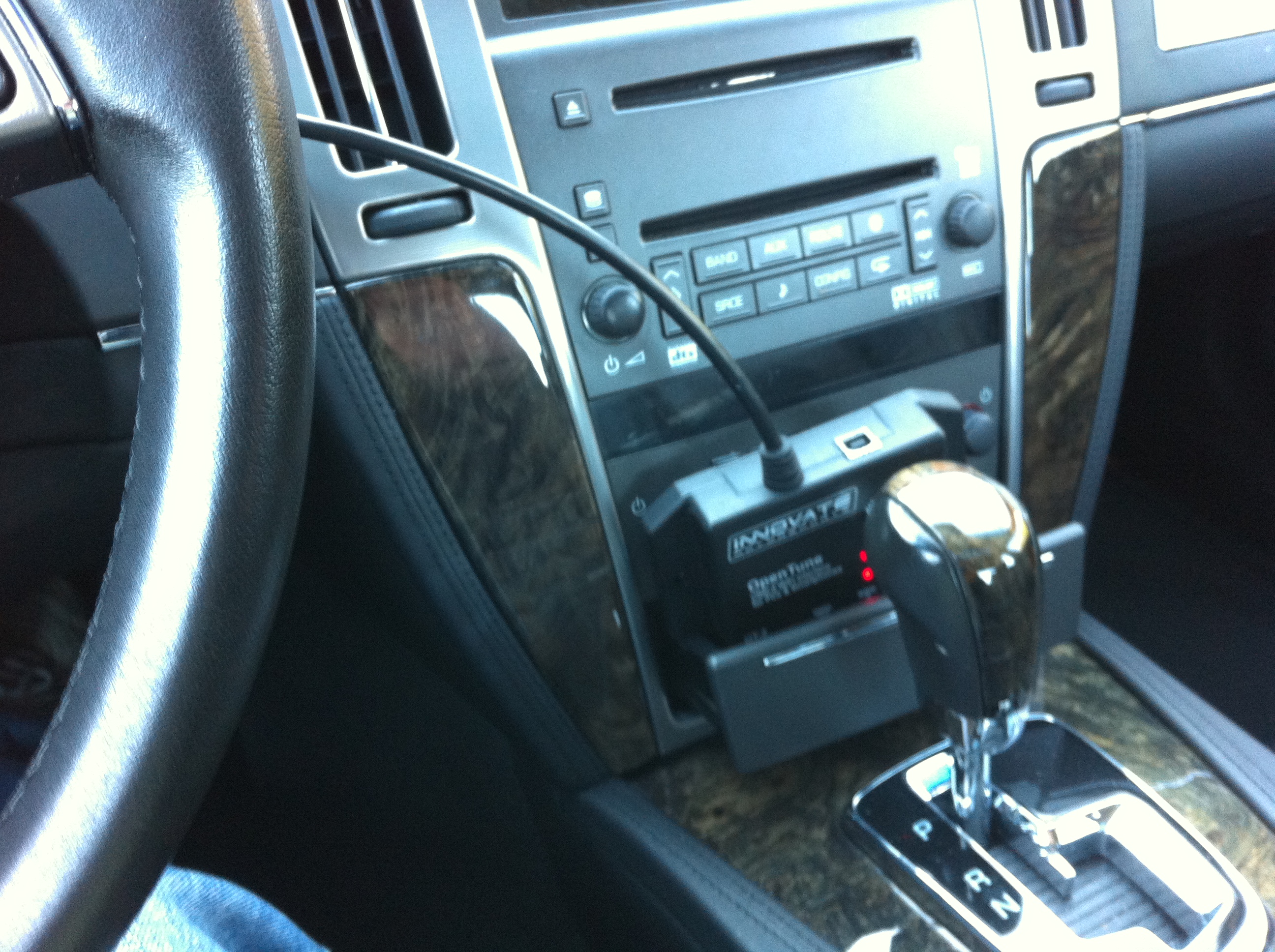
OT-2 tucked into the auxiliary power compartment (nee ash tray slot)
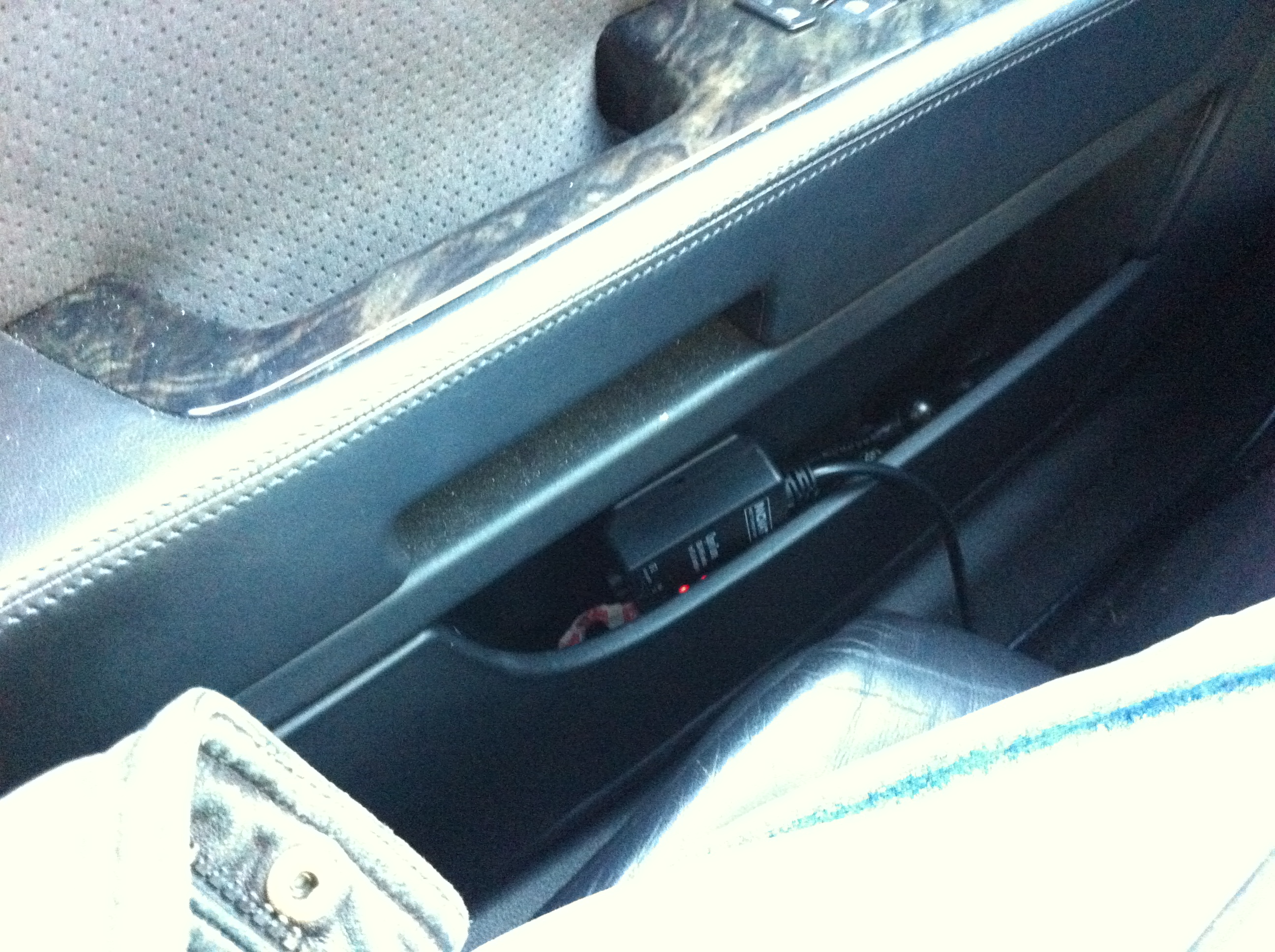
OT-2 tucked into the door compartment
Okay, Hardware, but what software for displaying IAT2?
I previously had used the software with my IPAD and Logworks, a free software that comes from Innovate Motorsports. This all worked well enough to provide a virtual dash with various gauges. I was not able however to tease it to display my IAT2.
I can display IAT2 with the HPTuners software, as we have seen. However, that requires a windows laptop and HPtuners plug. The desire is to display it on my IPAD, which would be easier to have along for drives or roadtrips.
DashCommand for displaying IAT2?
DashCommand by Palmer Performance is configurable software to display a virtual dash on a variety of platforms. When I was experimenting with my OT-2 previously it was not supported by DashCommand. Now I find that it is.
Here are some default screen from DashCommand on my IPAD1 connected to the STS-V via OT-2:

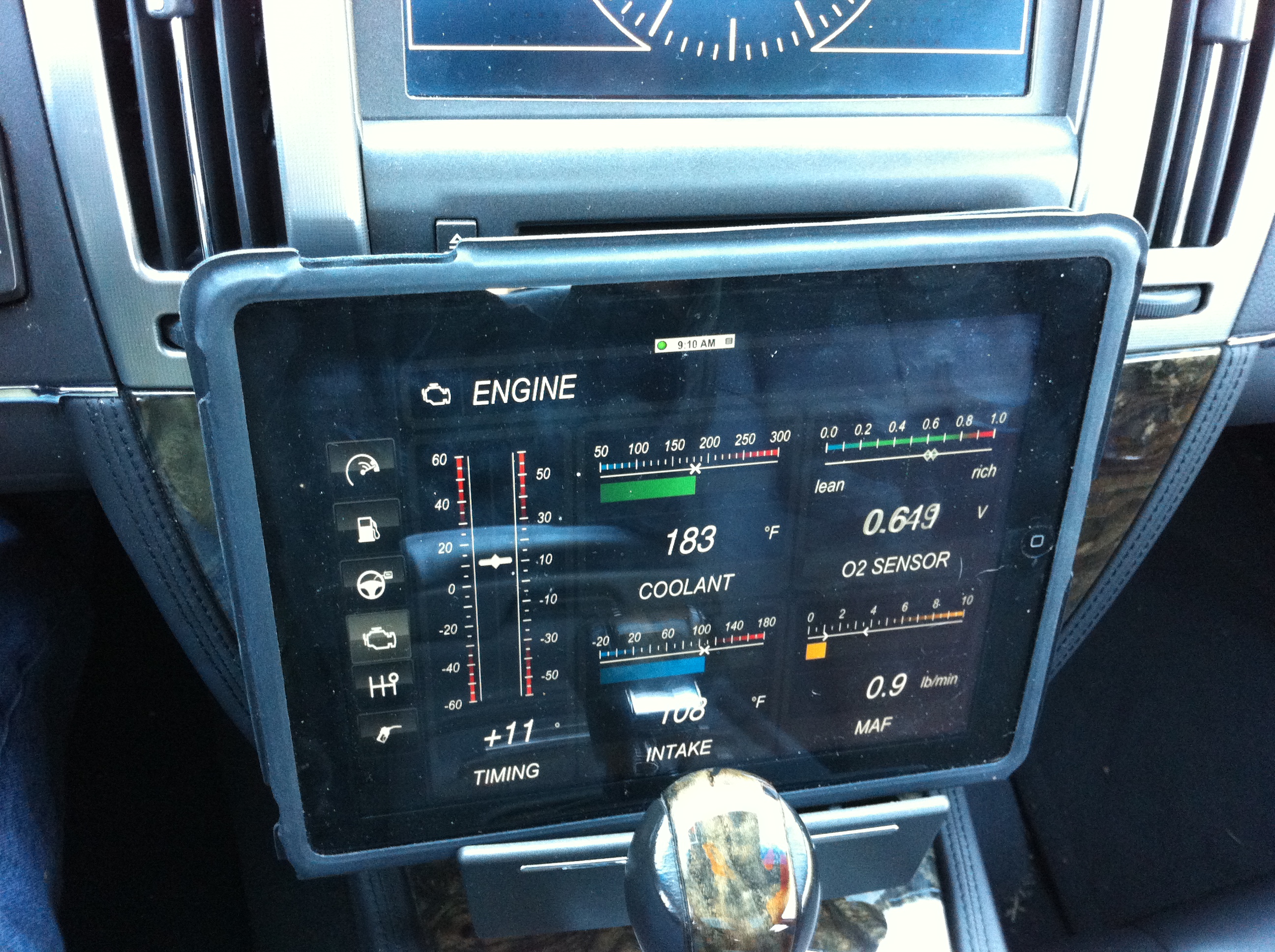
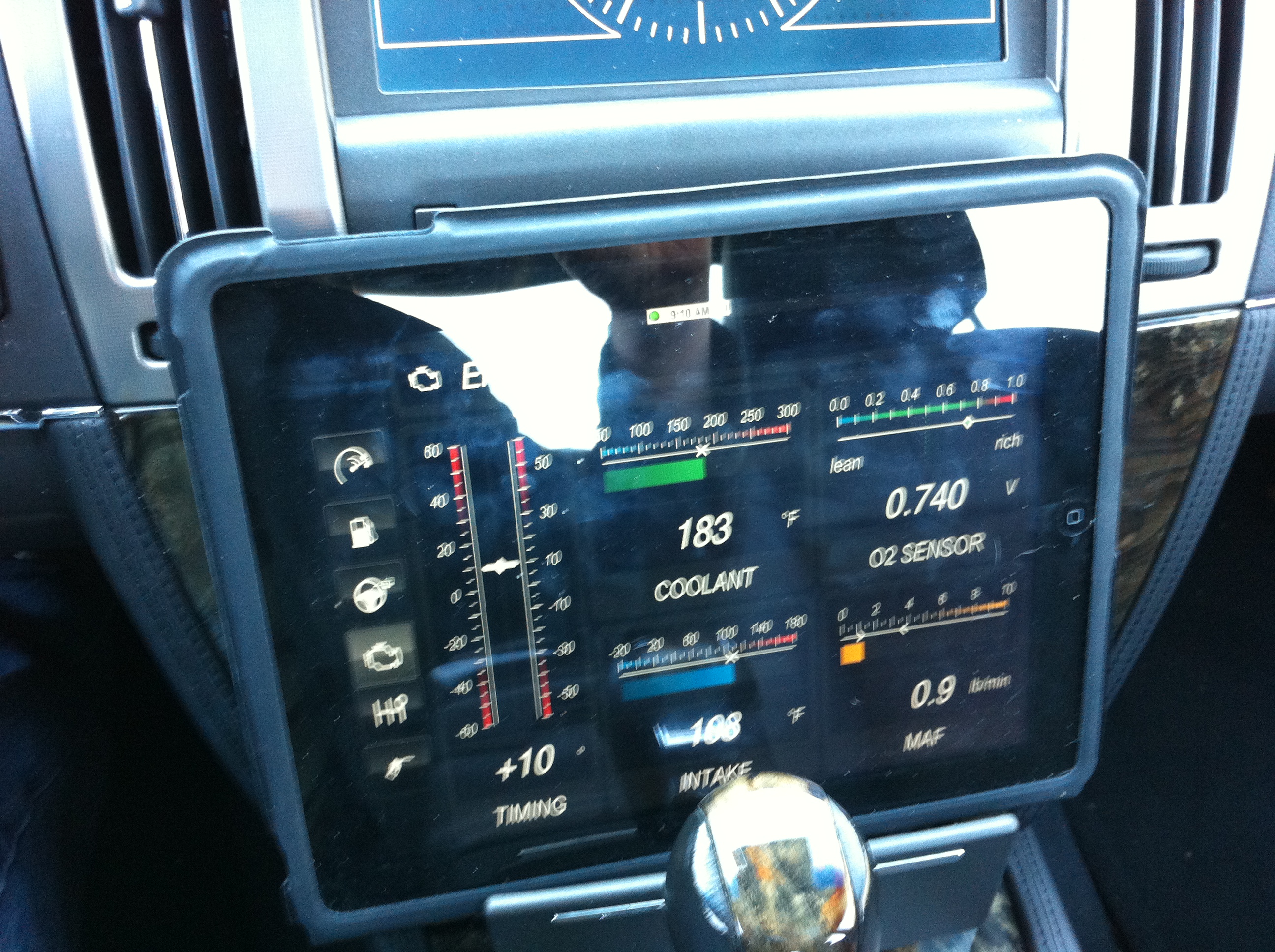
So that all works per se, but I don’t see a way on the IPAD to display IAT2, nor do I see a way to specify a custom PID which would then allow it to be displayed. Disappointing for a $49 IOS app.
Torque on the android platform apparently does offer custom PID display, but I have the IOS IPAD or IPhone.
DashCommand does allow customizable and downloadable dash designs from dashxl.net. These may be created or edited using windows software which is free from that site. There is also a repository of other user dash designs which may be downloaded. I have not found a pre-designed dash that has what I am looking for — ambient, IAT1, and IAT2 similar to my HP Tuners display.
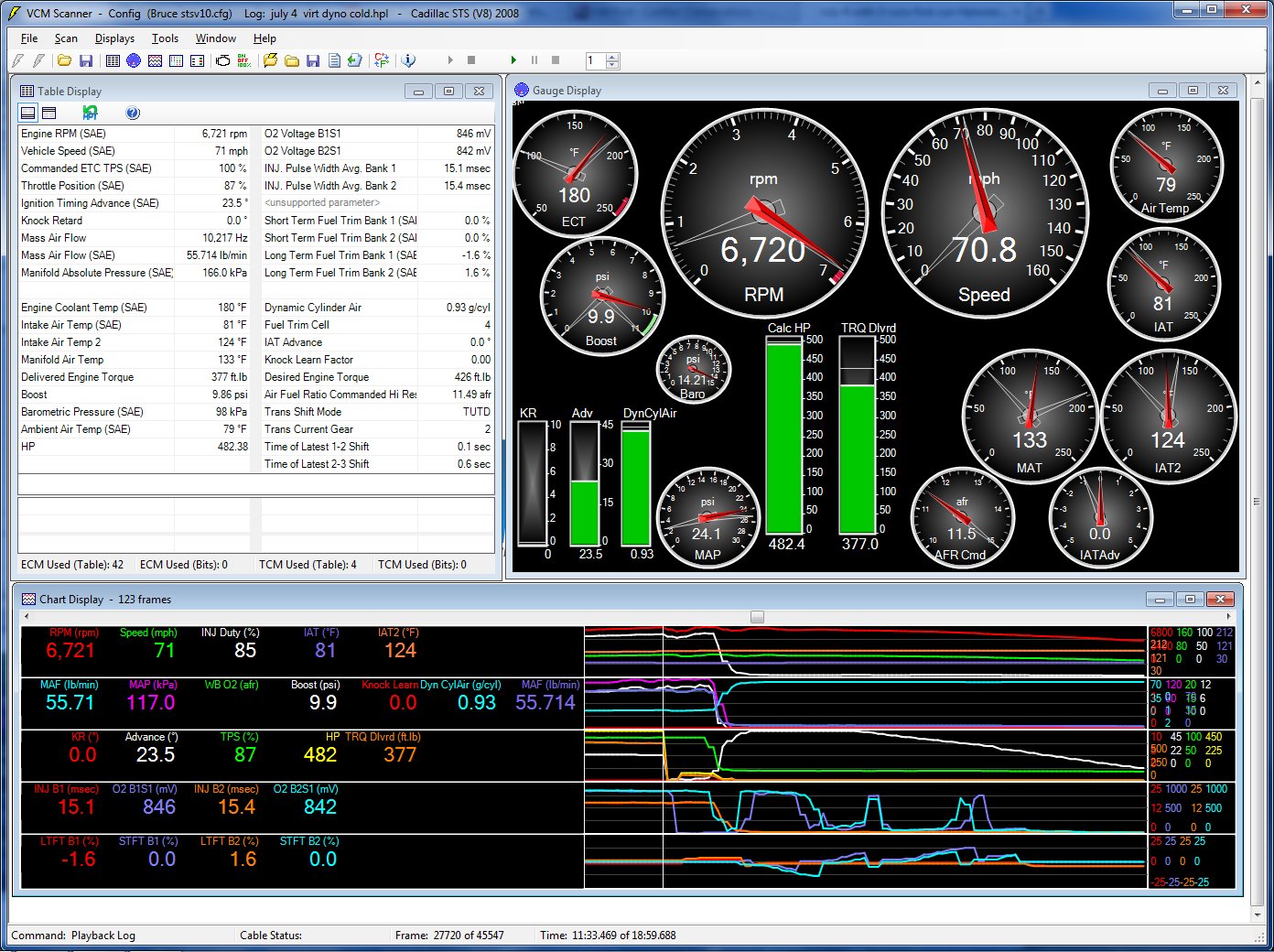
July 4 with 3 runs second run Hptuners
But I am hopeful that I can find one, or design one using the toolset that will look something like the key gauges in the upper right of the HPTuners display above.
If you have already solved how to display IAT2 on an IOS device please share!
UPDATE:
Here is a cruise and IAT2 scan today for IAT2s, at top of 2nd gear about to shift into 3rd.
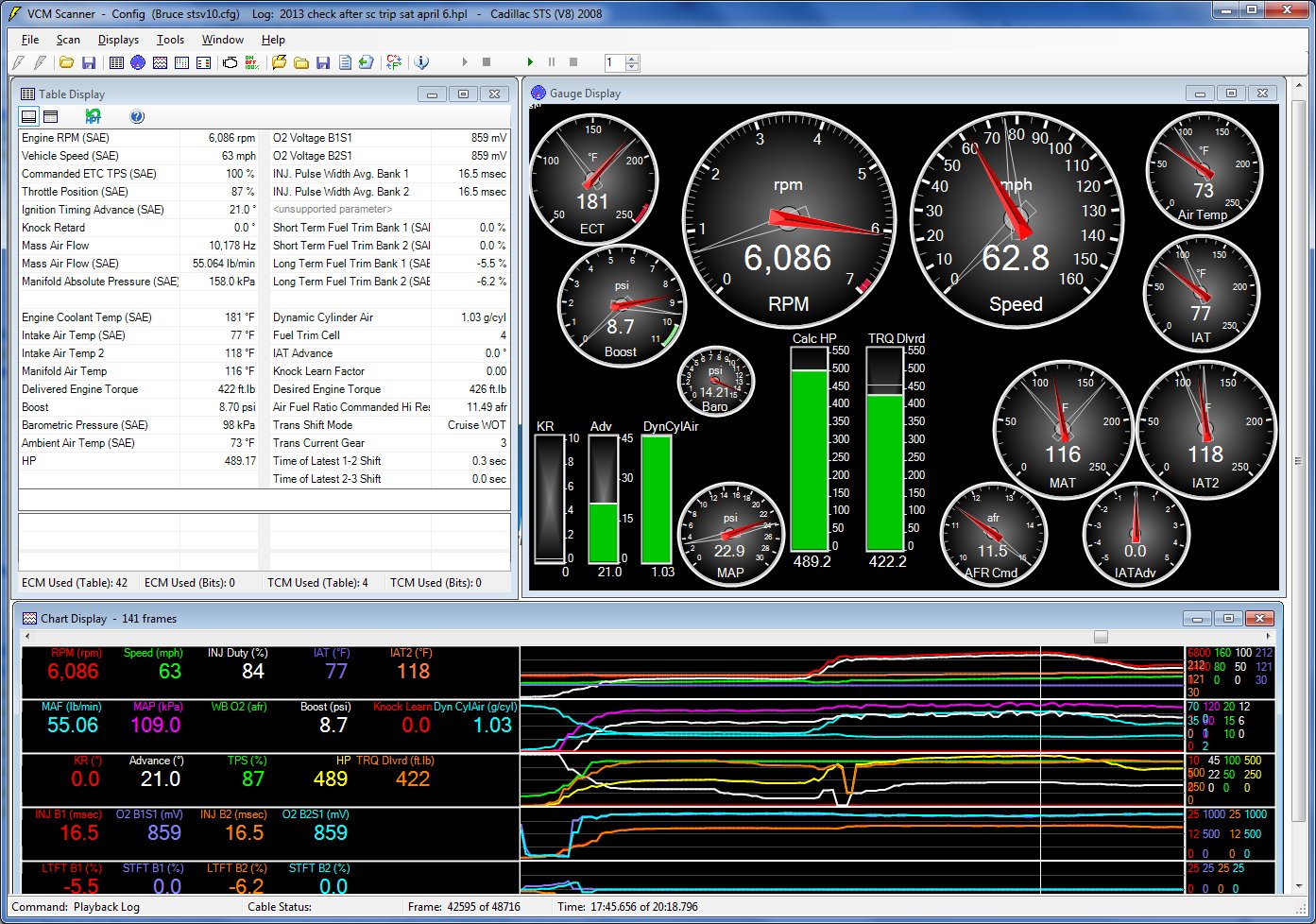
HP Tuners gauge output
The IAT2s ranged from 111F to around 120F at different parts of the drive, which seems typical for my V and setup. At this temp it is staying out of negative IAT advance, so good.