Testing video overlay of datalogger with in-car video

This is a video trial using TrackVision software to tag data logged from the RaceLogic Performancebox onto a 0-60 acceleration test video:


Caddyinfo Video Test setup Test from Bruce Nunnally on Vimeo.

Here is the data table:

Speed(mph) Time(s) w/Rollout .99ft=.27s Dist(f)
10 0.68 0.41 5.3
20 1.45 1.18 22.5
30 2.40 2.13 57.6
40 3.47 3.20 112.7
50 4.79 4.52 199.8
60 6.29 6.02 321.4

The ‘with-rollout’ column is calculated by subtracting the time it takes for the vehicle to go 1 foot (in this case 0.99 feet took 0.27 sec in the data file) from the times in order to reflect rollout.

Run was with car hot, low on gas. Regular Unleaded. More to follow.

Update: This video adds live Tach. The performancebox does not data log RPM. For this file I post-processed the data file to calculate RPM based on the Cadillac CTS’ velocity and added it to the datafile before the overlay process in Trackvision:


Caddyinfo Trackvision RPM Test from Bruce Nunnally on Vimeo.

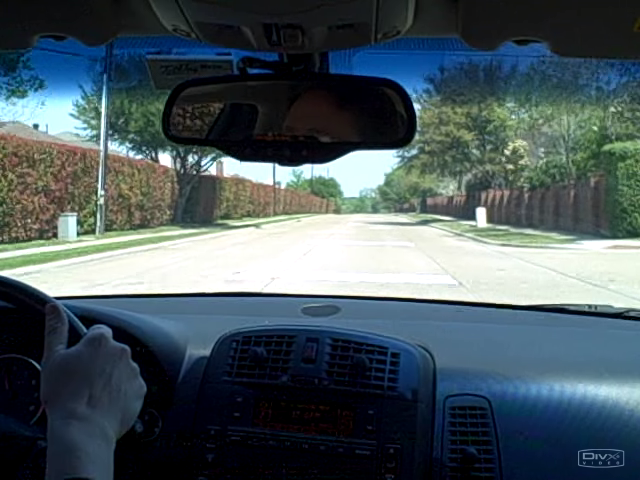
Video camera image vs still camera video image

Here are a single image from a video still captured from my Kodak C875 camera vs the Flip Ultra Series video camera.  Hopefully I have done these fairly with justice to each camera.  The C875 video has to be processed in quicktime and saved as an H264 image to use with my video software, but I think that the image is not recompressed along the way.

Both are at 640×480 (click on images to see full size):

C875:

C875 Captured off Quicktime by FRAPS and saved to PNG

C875 Captured off Quicktime by FRAPS and saved to PNG

Flip ultra:

Flip video exported to png image

Flip video exported to png image

I think the Flip actually does a better job for use on the web, although it does have some visible compression artifacts. The image appears to be sharper.

Another key factor is that the Flip will capture up to 30 min of video with no intervention.  The C875 has an adjustable setting for up to 10 min of video prior to going into power saver mode.  The C875 saves to a SD card and can capture up more minutes of video in terms of capacity, but has to be turned back on every 10 min.  One fewer thing to keep up with during vehicle testing is better.  Both / either appear to work properly with Trackvision.

The C875 is tons better for still images.  My thinking now is use the Flip for in car video, and the C875 for session still shots on a tripod.

It appears that the DivX decoder puts up a DivX watermark into the video on some frames, as caught here.  Interesting.  This may have been an effect of cueing the video to the section I wanted and windows media.

Datalogging Dinner, and inital impressions

Dinner Run

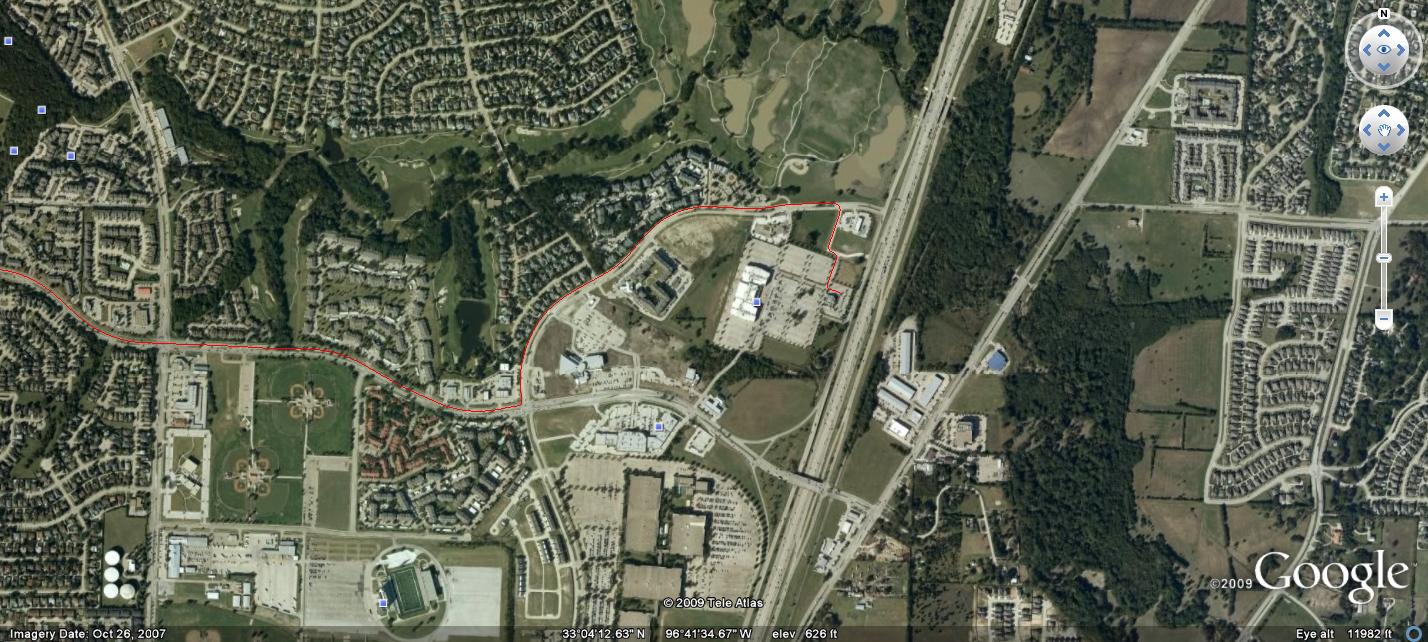
Dinner Run Click to Enlarge

Got the RaceLogic PerformanceBox in the mail today.  Not really a good time for a real acceleration run, but I got it setup in the Cadillac CTS.  Out of the box a registration code from the RaceLogic website has to be entered into the Performancebox to enable all features.  That done, I left the unit on and went to pickup dinner.  The unit records to an SD card if available, and the RaceLogic folks were kind enough to toss in a 2G SD card in exchange for taking an online survey on the purchase.  I grabbed the dinner sack, the SD card out of the Performancebox, and plugged the latter in to my PC so I could play with the data file while I ate.

RaceLogic Performancebox

RaceLogic Performancebox (stock image)

Not much fun acceleration or g-force data in traffic, but it was very easy to save off a google earth datafile from the datalogged, and to load the file up in google earth.  This resulted in a nice map plot with my dinner route.  Then I saved off the google earth result as an image (jpg) file and loaded it here.  Fun.

The route varied somewhat in altitude, but we are around 500ft above sea level.  Looks like 6 or 7 GPS satellites were visible at different times during the trip.  The unit acts as a continuous digital speedometer.  Nothing to hit or push to start a data run, as it is logging data continuously.  Just stop to 0 mph, then accelerate to the desired test velocity.  You get an instant readout of summary info on the gadget while in the car, and a detailed data file to analyze back on the PC.

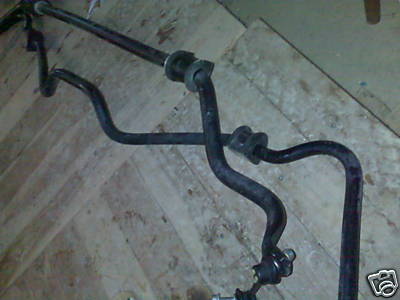
Cadillac CTS-V Front and Rear Swaybars

Cadillac CTS-V Front and Rear Swaybars

Because the unit is a continuous data logger, I am hopeful that it will be an easy tool to baseline lateral acceleration as I upgrade the suspension on my 2005 Cadillac CTS with components from the 2005 Cadillac CTS-V.